
Bank Transfer
Offline payment: the invoice shows your bank details; the client can report the transfer; you record the payment when it arrives.
PluginPayment gatewaysFreeVersion 1.0.0
Free - included
Included with every licence
Built into the script. Turn it on under Setup > Addon Modules.
Read the manual
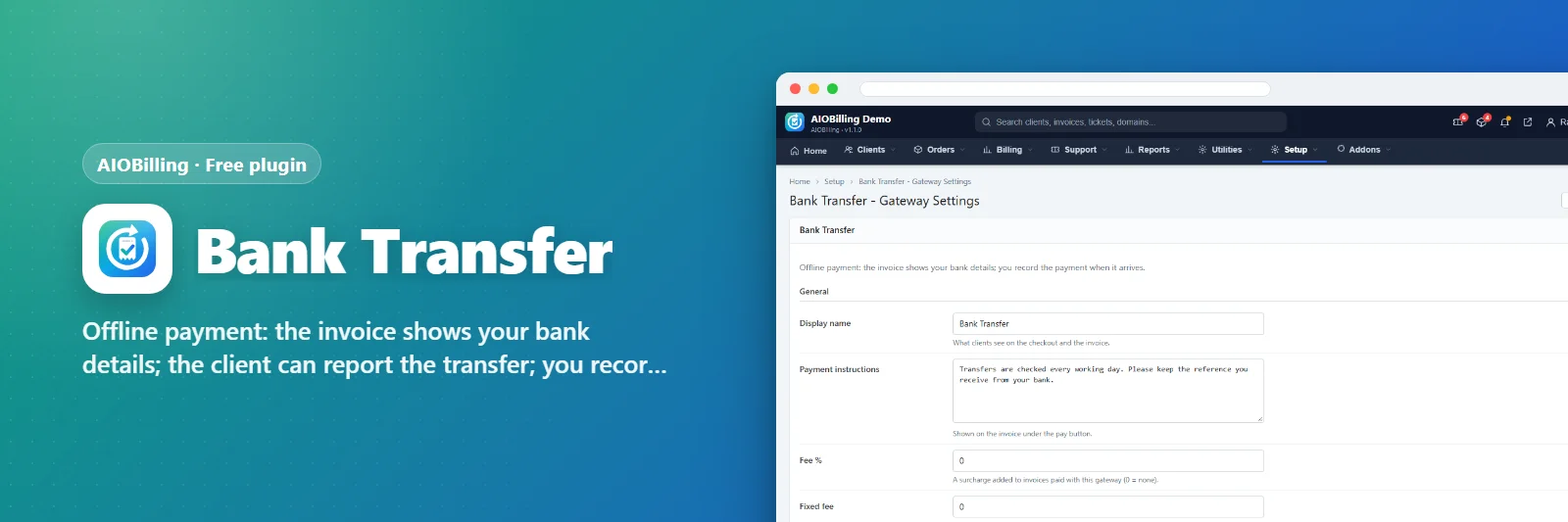
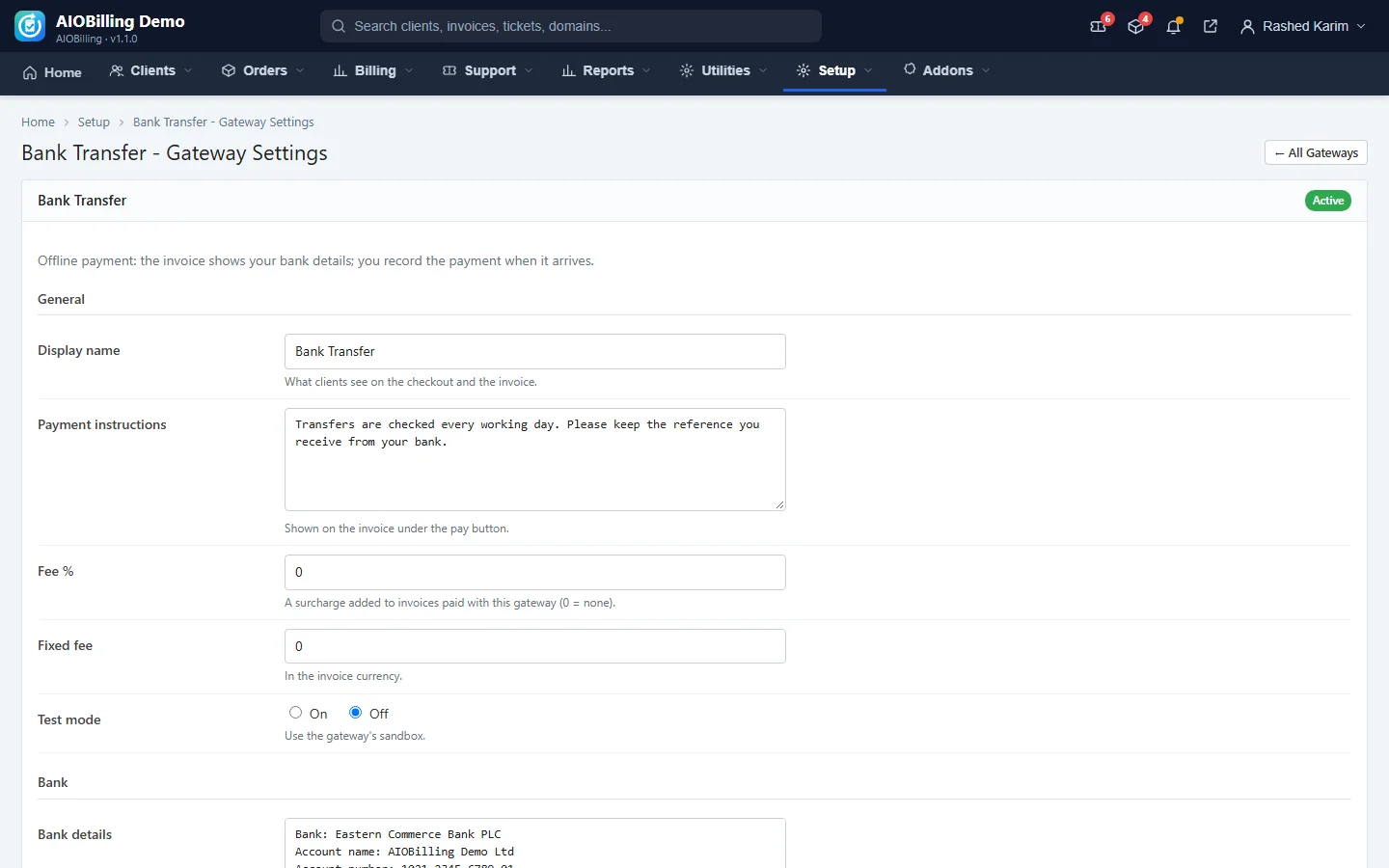
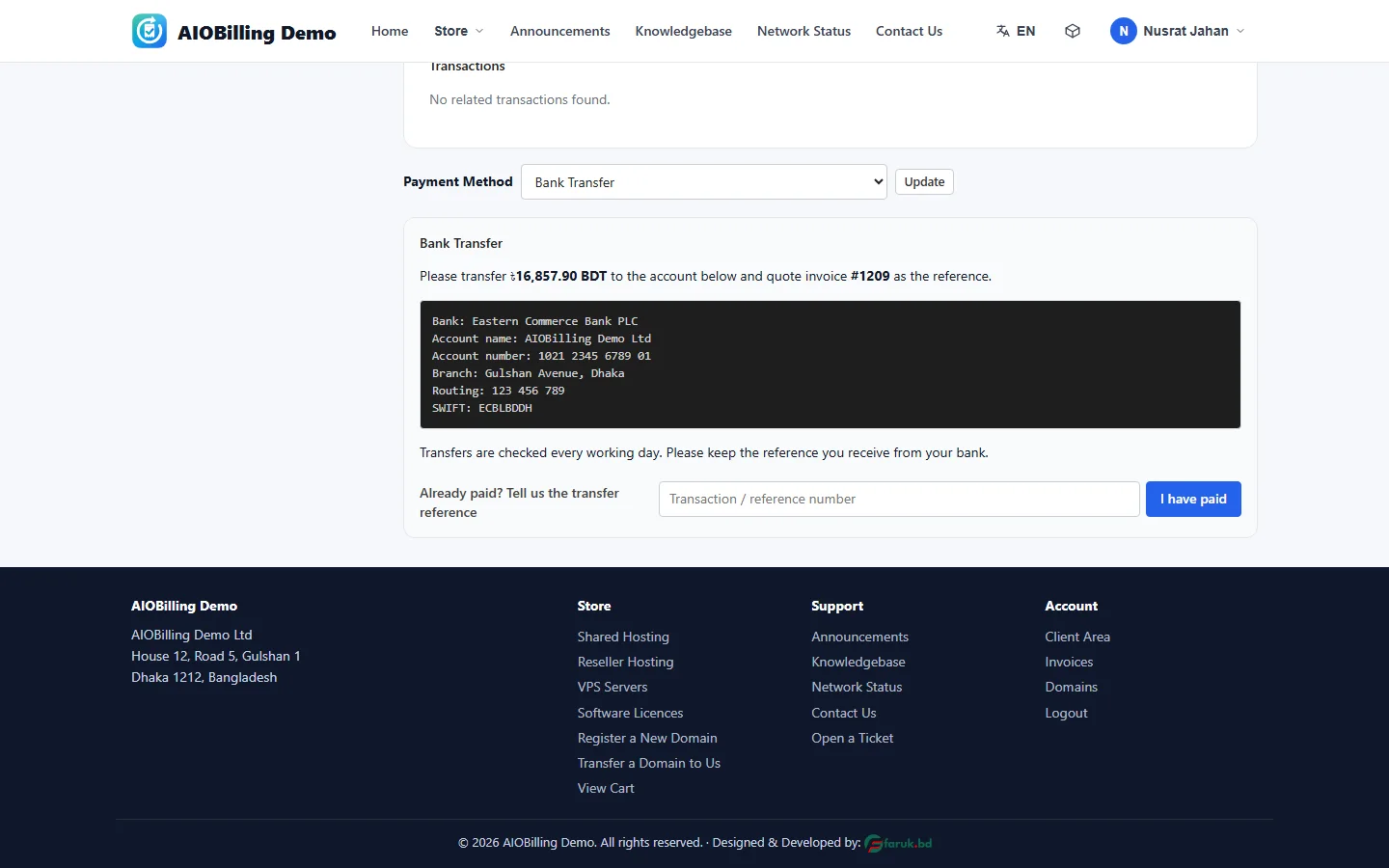
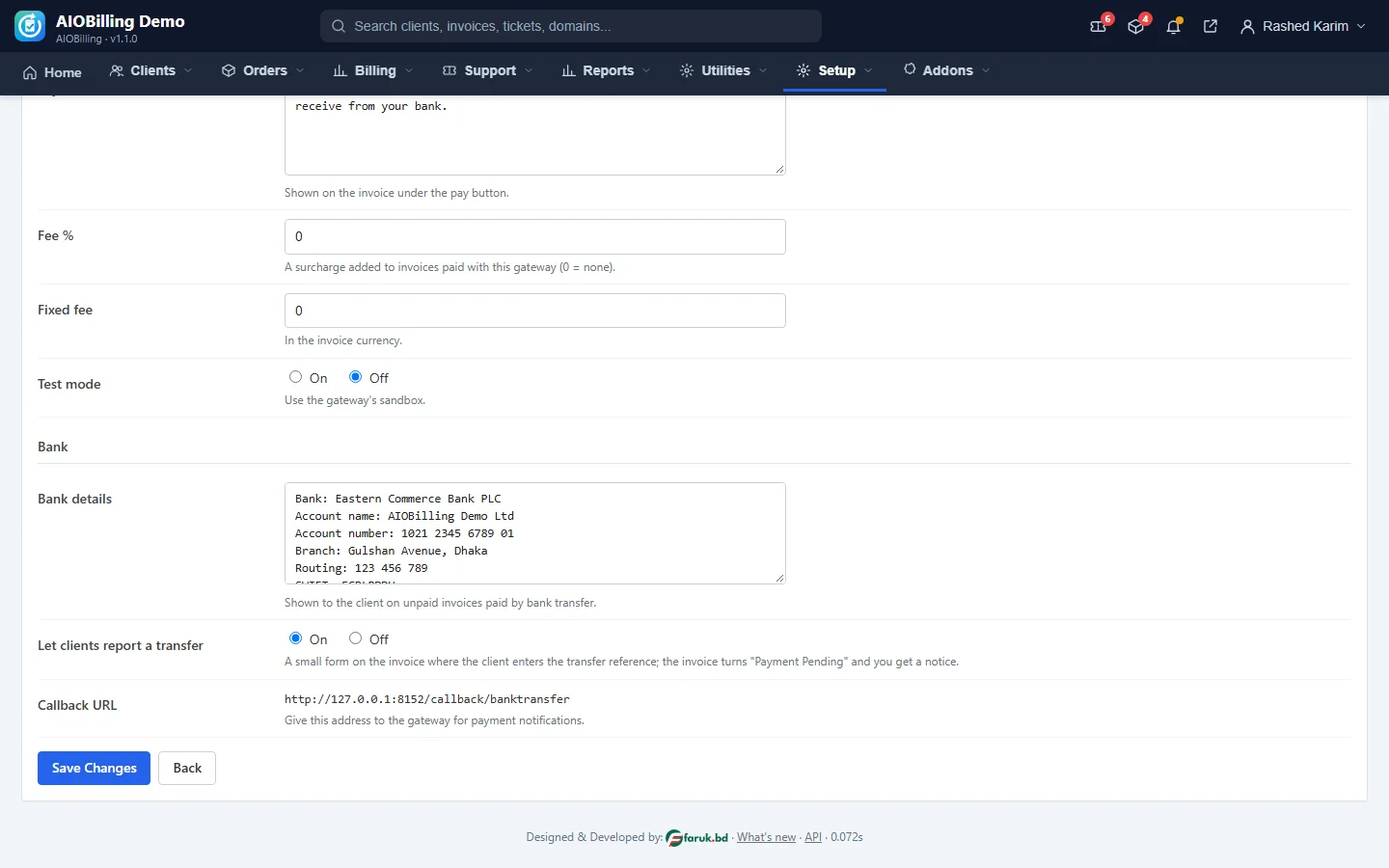
Shows your bank account details on unpaid invoices. The client may report the transfer reference, which marks the invoice Payment Pending and notifies you; you record the payment from the invoice page.
Features
- Bank details on the invoice
- Client transfer report
- Admin notification
- Record the payment when it arrives
Screenshots
Requirements
- AIOBilling 1.0.0 or newer
Changelog
1.0.0 2026-11-02
- Added First release of the plugin: Offline payment: the invoice shows your bank details; the client can report the transfer; you record the payment when it arrives.
- Added Bank details on the invoice
- Added Client transfer report
- Added Admin notification
- Added Record the payment when it arrives
More like this
 Free
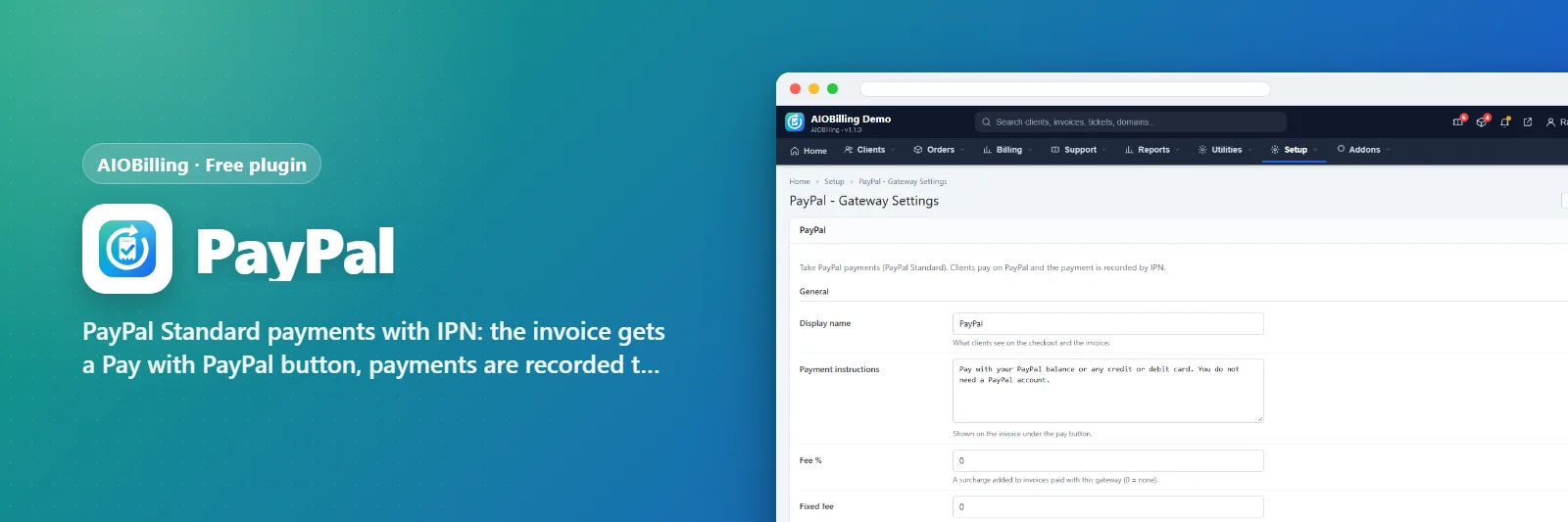
PayPal
PayPal Standard payments with IPN: the invoice gets a Pay with PayPal button, payments are recorded the moment PayPal confirms them.
PluginFree
 Free
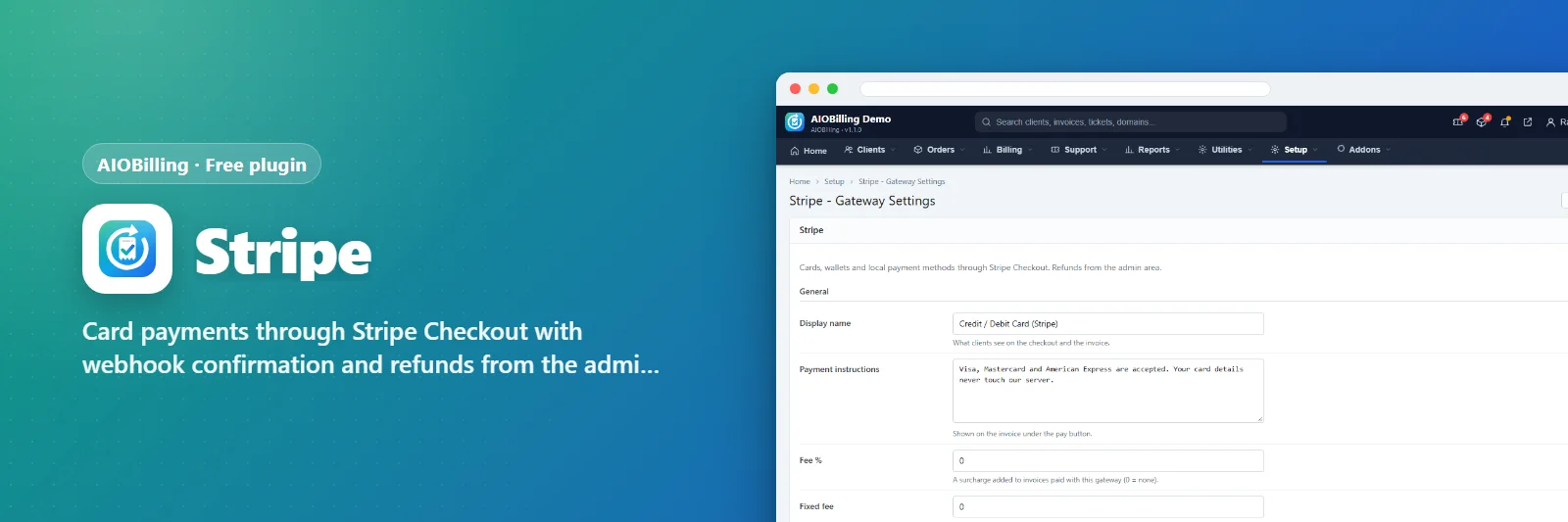
Stripe
Card payments through Stripe Checkout with webhook confirmation and refunds from the admin area.
PluginFree
 Free
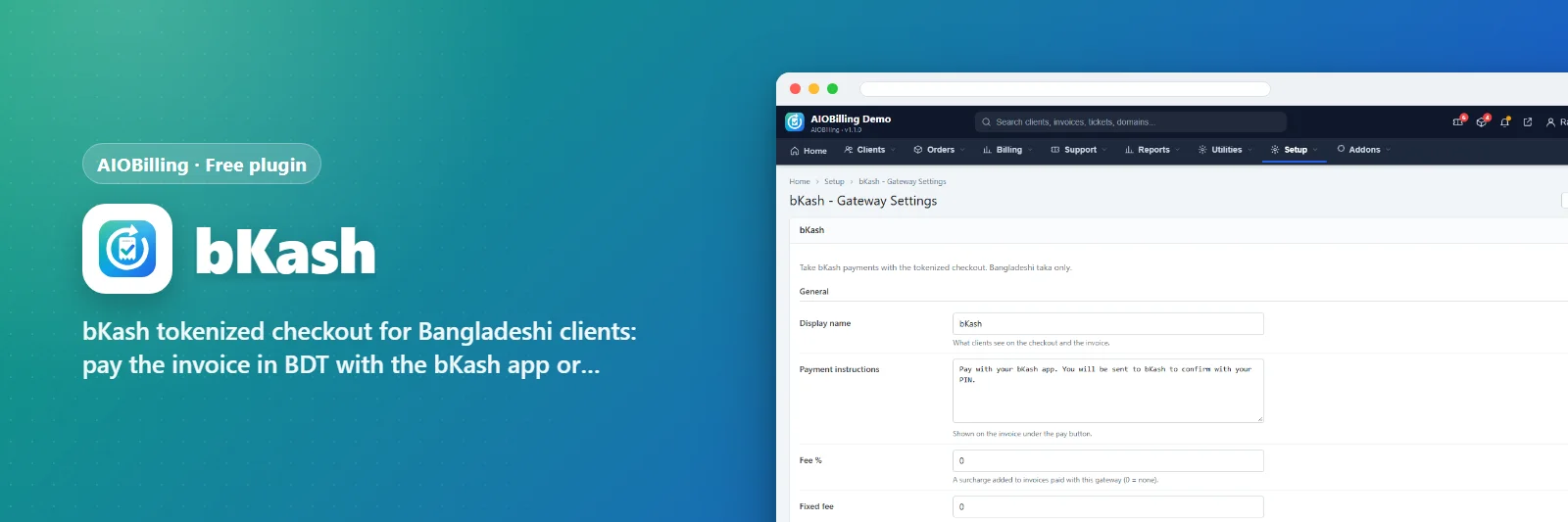
bKash
bKash tokenized checkout for Bangladeshi clients: pay the invoice in BDT with the bKash app or number.
PluginFree